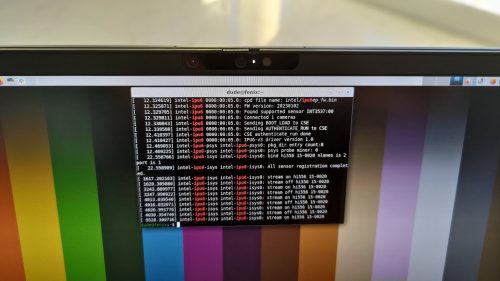
tl;dr : For Fedora 39, if your Intel IPU6 webcam still doesn’t work after following Hans de Goede’s instructions (i.e. paused black screen only), you…
And so, the marmot…
tl;dr : For Fedora 39, if your Intel IPU6 webcam still doesn’t work after following Hans de Goede’s instructions (i.e. paused black screen only), you…

Here is an example on how to obtain all-way near realtime file syncronization on a cluster of server nodes managed by Puppet. It uses the…
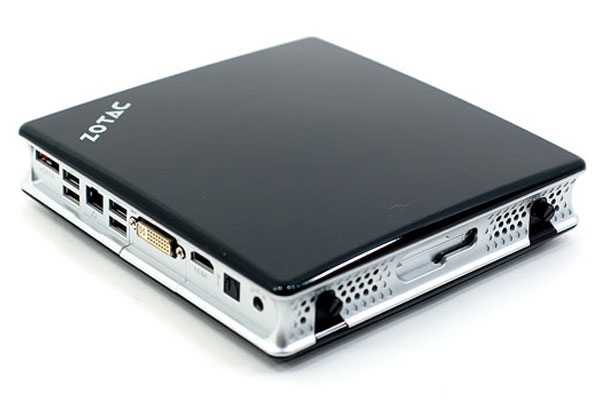
I just battled for a few hours with a Zotac Zbox ID41, which is a nice MiniPC based on the Intel D525 dual core Atom…

Here are some quick instructions to get OpenERP 6 up and running on RHEL6 (or any of its clones such as CentOS, Ascendos, etc.). It’s…

These are my quick notes after updating my Google Nexus S Android phone to the latest 2.3.4 release from this week. The main issue I…

I’m now sharing browsing history, stored passwords and bookmarks between my work desktop computer, my home desktop computer and my laptop, thanks to the Firefox…

I’ve just started testing the Red Hat Enterprise Linux 6 Beta, and I was really happy to see that the Minimal installation option is back…
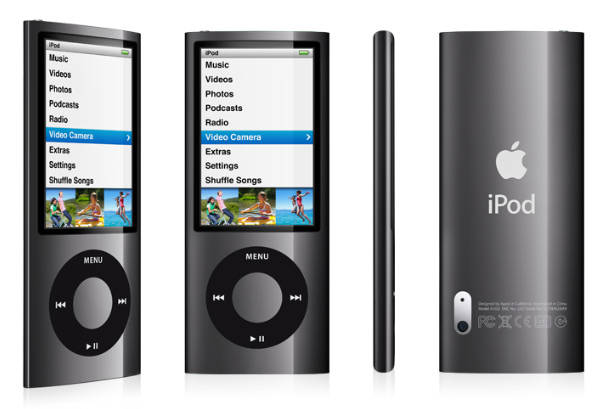
I just got my first Apple iPod. Yes, me with an iPod. Don’t ask. It’s the latest Nano, the 5th generation, available since late 2009.…
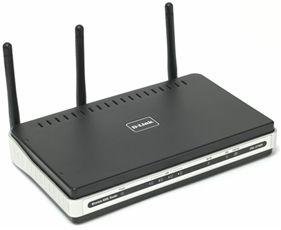
I was having problems with my home DSL gateway device a few months ago. It was an old-ish Netgear device which had been running fine…

I’ve just wasted a couple of hours trying to get a FreeNX server working, but just kept getting this error : Not very explicit, not…

Most GNU/Linux distributions include the proper mime types to be handled by Xine when it is installed, but not for DVD Video ISO images on…

Here are some instructions on how to configure a computer using Fedora for image or video slideshows. The idea is to have the computer automatically…

The bazaar documentation is quite extensive, but not when it comes to setting up an ssh server. The solution for allowing bzr+ssh access to a…
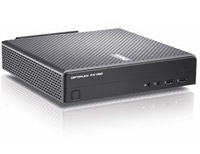
I needed some SFF (Small Form Factor) computers for a project, and Dell recently released the FX160 which looked exactly like what I was after.…

I did it. I bought a Blu-Ray and HD-DVD player yesterday… then I bought a couple of Blu-Ray video discs earlier today (Superbad and Stranger…
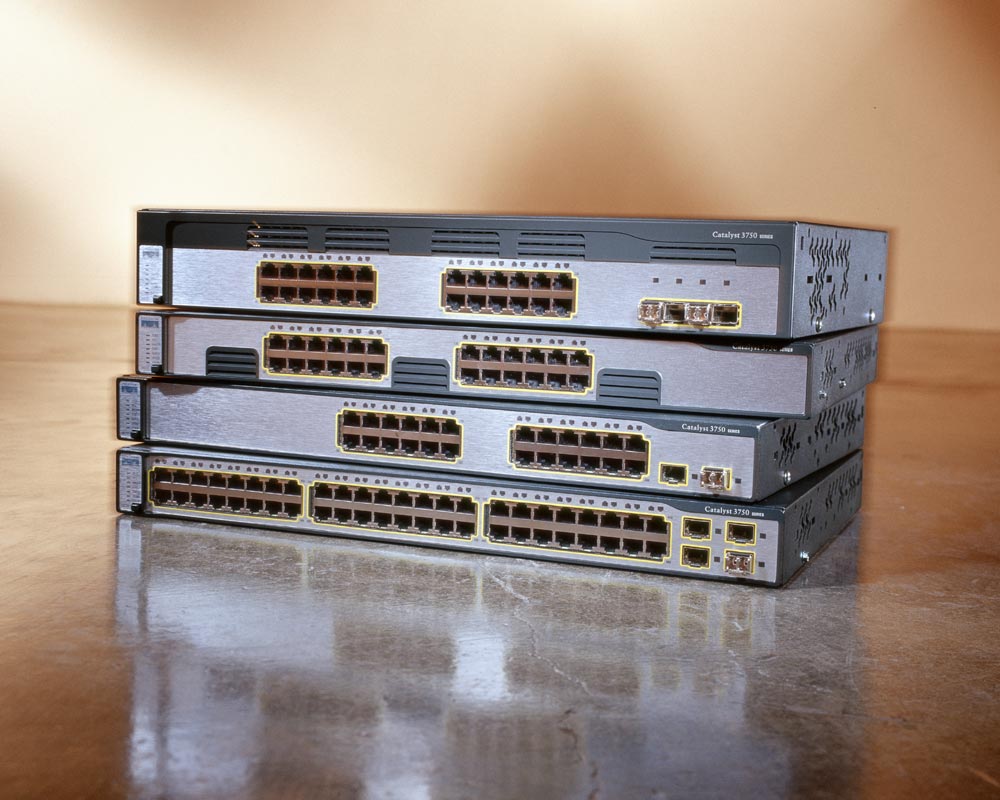
I just wasted hours trying to figure out how to upgrade a Cisco Catalyst 3750 using the .bin image instead of the .tar archive, since…
I ran into a chicken and egg problem recently, while trying to configure Xen’s bridging interfaces on top of bonding interfaces. This setup is for…
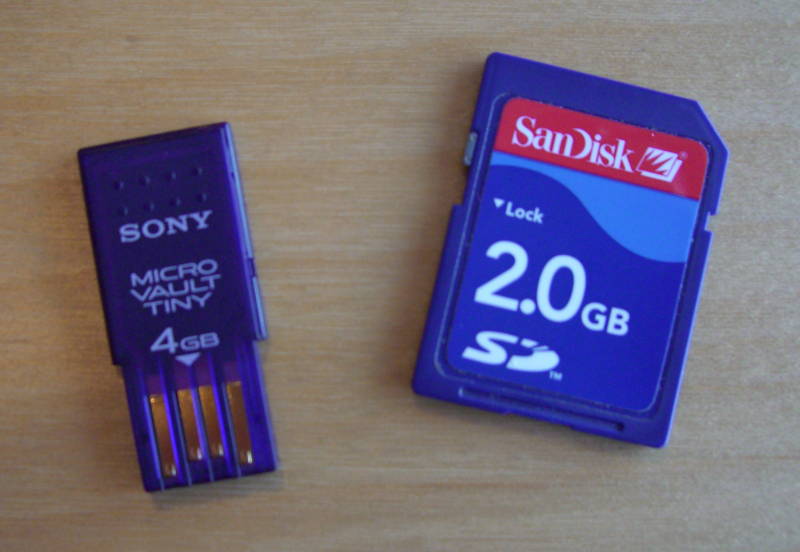
I just got a brand new Sony Micro Vault Tiny USB key. As you can see on the picture, it’s about half the size of…

I have to admit that I’ve been impressed by Serendipity. It just works. I really like PHP, but very often things are implemented pretty badly…
I fought for days, literally, to get an external SAS enclosure, the Dell MD1000, working with decent performance on RHEL5 x86_64 (PowerEdge 1950 III w/…